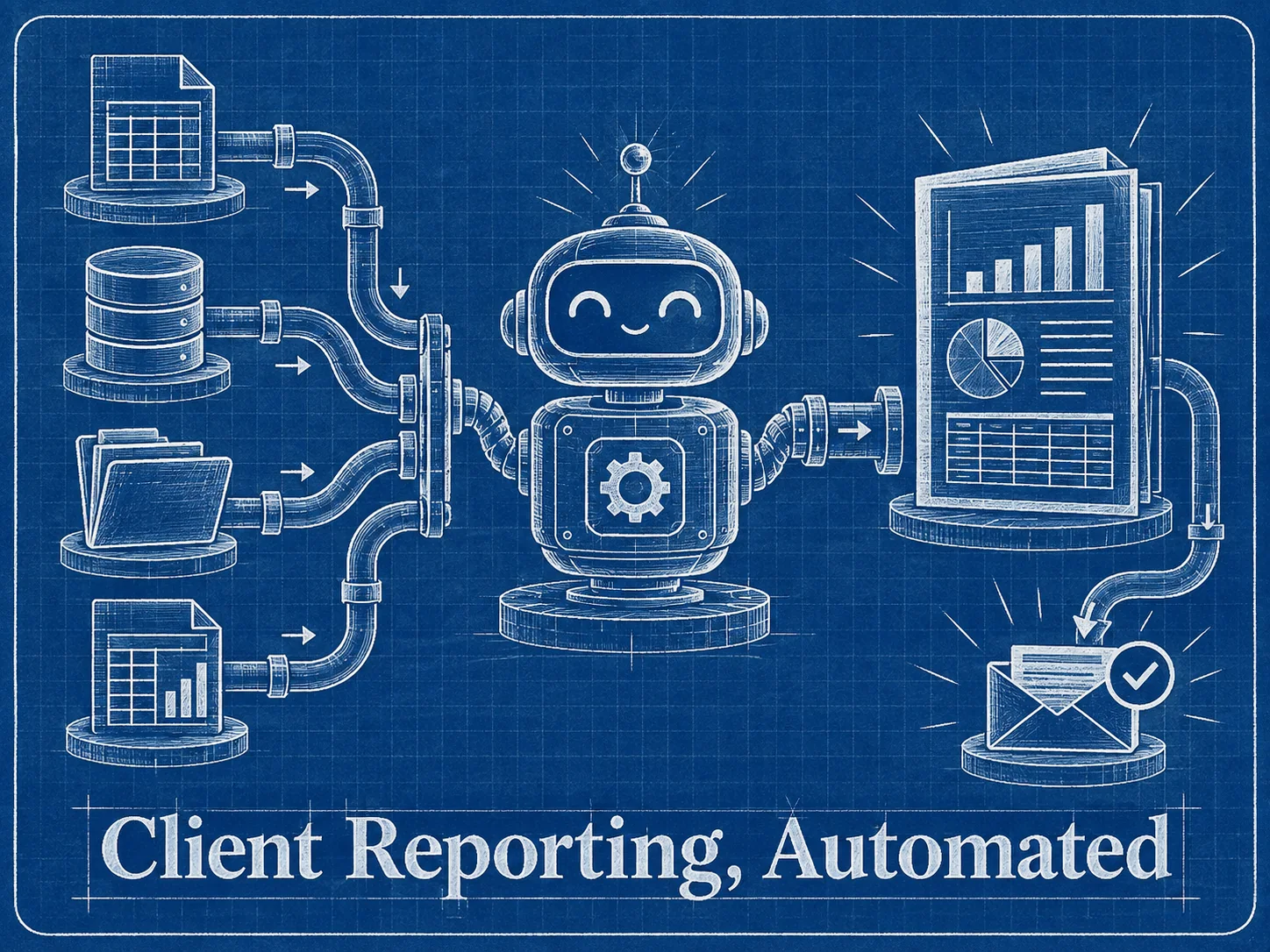
Client reporting is one of the easiest places to prove the value of automation.
Not because the workflow is fancy, but because the pain is obvious. Someone exports data, cleans columns, copies numbers into a report, writes a short summary, sends it to the client, then repeats the same thing next week.
That is exactly the kind of recurring operational loop n8n is good at.
The reporting workflow I usually start with
For a simple client reporting system, I like this shape:
- Scheduled trigger runs every Monday morning.
- n8n pulls data from the source system.
- The workflow normalizes the numbers into a consistent structure.
- Rows are written into Google Sheets or a database.
- A summary is generated from the latest period.
- The report is delivered by email, Slack, Telegram, or another channel.
- A final log is stored so we know what was sent and when.
The important part is not the number of nodes. The important part is making the workflow observable. If the data source fails, the team should know. If a report sends successfully, the team should have a record.
Start with the report structure, not the nodes
Before opening n8n, define the report in plain language:
- Who receives it?
- What decision should they make from it?
- Which metrics matter every week?
- Which numbers need comparison with the previous period?
- What should happen if a metric is missing?
This prevents the workflow from becoming a pile of API calls with no clear business outcome.
Use Google Sheets as the first reporting database
For early-stage reporting, Google Sheets is often enough. It is familiar, easy to inspect, and client-friendly. You can always move to a database later when the data volume or permission model needs it.
A practical setup is:
- One raw tab for untouched source data.
- One clean tab for normalized rows.
- One summary tab for client-facing metrics.
- One log tab for workflow runs and delivery status.
That structure makes debugging much easier. If the final summary is wrong, you can trace whether the issue came from the source API, transformation logic, or delivery step.
Add a human-readable summary
A report with only numbers is easy to ignore. I prefer adding a short summary that answers:
- What changed?
- What is good?
- What needs attention?
- What should we do next?
This can be written manually at first. Later, an AI step can draft the summary, but the automation should still include guardrails so it does not invent missing data.
The failure checks matter more than the happy path
A reporting workflow should not silently fail. At minimum, add checks for:
- Empty API response.
- Missing client identifier.
- Unexpected date range.
- Delivery failure.
- Duplicate report sends.
This is where a basic workflow becomes a reliable operational system.
Final takeaway
Client reporting automation is not about replacing strategic thinking. It is about removing repetitive report assembly so the team can spend more time interpreting results.
If your team is still assembling the same report every week, that is a strong n8n candidate. See my n8n automation services or send me the reporting process you want to automate.