I’m not that good at design.
Especially when it comes to designing something that needs to look good as a PDF.
Web pages are already tricky enough. But PDF output? That is a different kind of pain. You do not just think about how it looks in the browser. You also need to care about page breaks, A4 sizing, weird spacing, clipped content, print rendering, and all those tiny things that only show up after you download the final file.
And my task today was exactly that: redesigning a PDF workflow in n8n.
In my head, the flow sounded simple.
In practice?
Not really.
The Workflow
The workflow itself was pretty straightforward, at least conceptually.
Files are uploaded from the frontend, then n8n takes over:
- receives the uploaded files
- parses the content
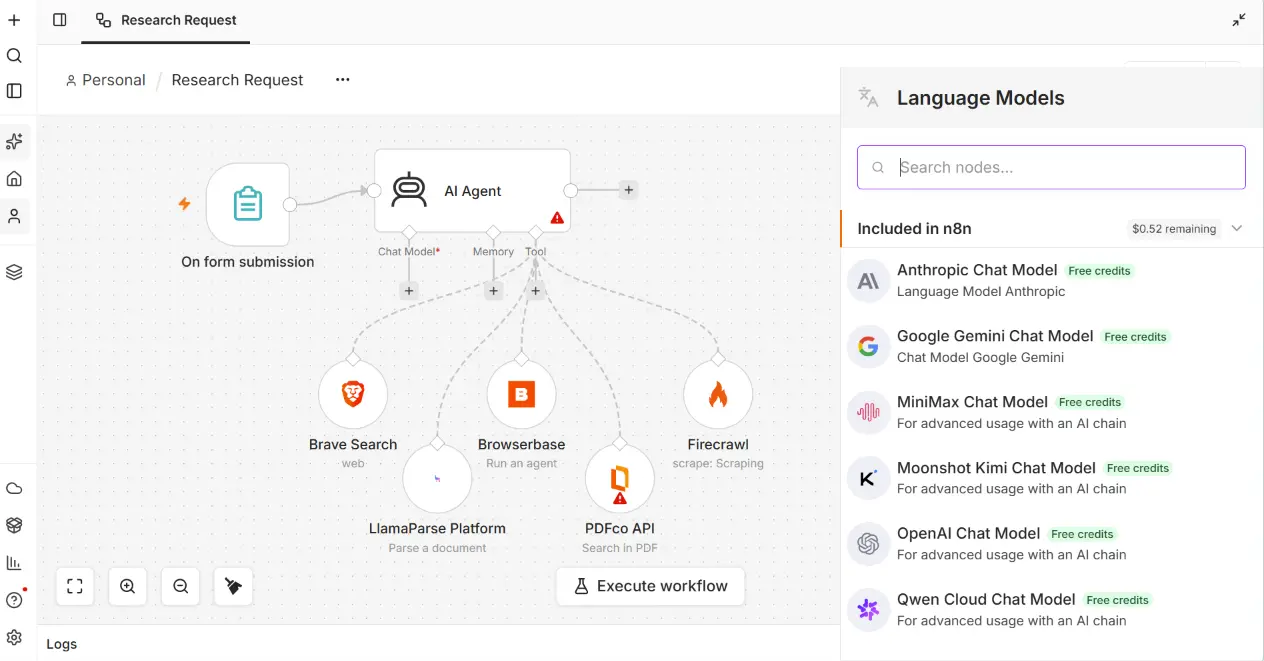
- sends the result to an AI Agent node
- prepares structured JSON output
- injects that data into an HTML template
- renders the HTML with Puppeteer
- generates an A4 PDF binary
- stores the final PDF in object storage
Sounds clean, right?
Frontend upload in, polished PDF out.
But the hard part was not the automation logic. The hard part was the design.
I struggled a lot with the HTML structure, the field layout, and how to make everything feel consistent. The previous version worked, but visually it still felt unclear. It had some good ideas, but no strong direction.
The problems were pretty obvious:
- inconsistent layout
- dynamic values from the AI sometimes broke the design
- some sections got cut between pages
- the cover page did not feel strong enough
- the design had a color palette, but not really a visual system
- the whole thing existed more clearly in my head than in the actual HTML
Classic problem.
The workflow works, but the output still feels like “developer design.”
And yes, I am the developer.
Trying Claude Again After a Long Break
A few days ago, I found out that Claude developer mode can now use different models.
That caught my attention.
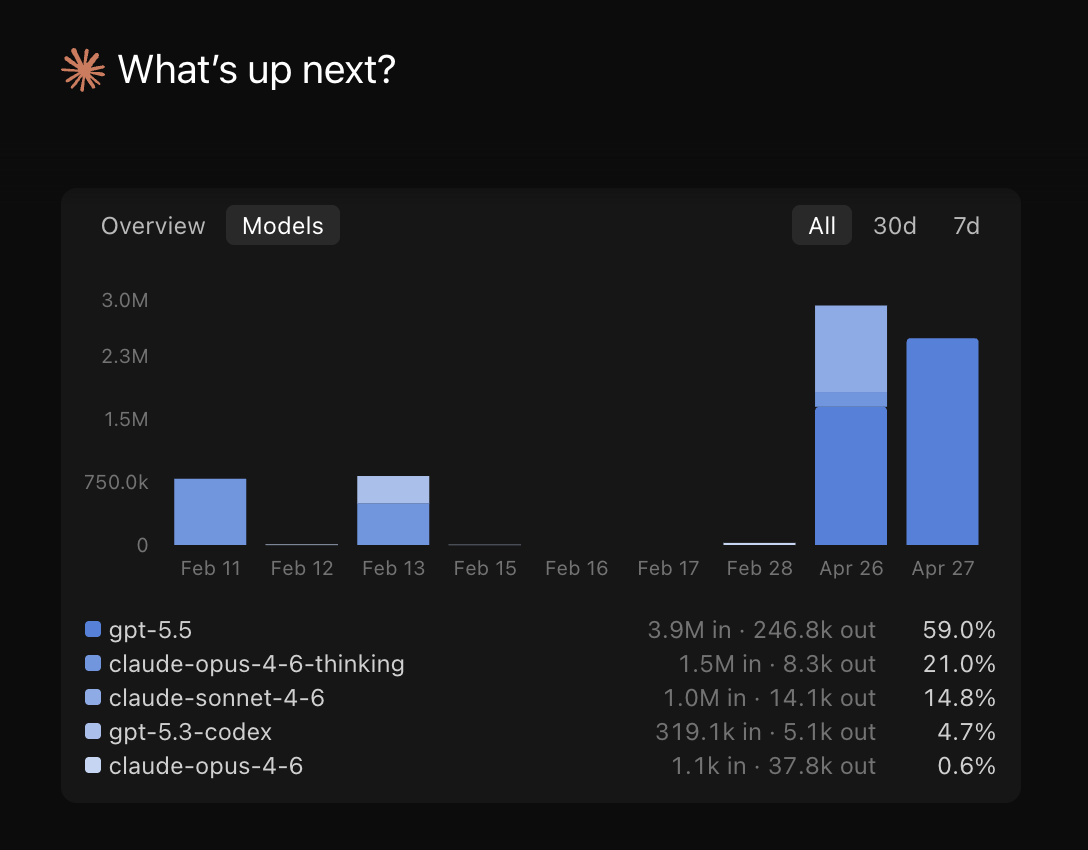
I had not really used Claude for more than a month, so coming back and seeing GPT support inside Claude felt pretty interesting. Around the same time, GPT-5.5 had just been released, so I thought:
“Okay, this is probably a good chance to test it.”
Not for some abstract benchmark.
Not for “write me a snake game.”
But for a real workflow problem I was actually stuck on.
The goal was simple: help me redesign the PDF output properly.
Starting With a Standalone HTML File
I already had an HTML design before, but it was messy in direction.
So instead of immediately forcing the new design back into n8n, I did something simpler first.
I gathered:
- a few design references
- the structured result data from n8n
- the rough direction I had in mind
- the existing pain points from the old template
Then I asked Claude + GPT-5.5 to generate a standalone HTML file first.
That turned out to be the right move.
Instead of dealing with n8n code, Puppeteer rendering, and workflow constraints all at once, I could focus only on the design.
And surprisingly, the first result was already pretty good.
Not perfect, but much closer to what I had in mind.
The design leaned into a dashboard-style layout: cards, rounded borders, structured sections, cleaner spacing, and a stronger information hierarchy. It looked more like a modern report than a raw HTML dump.
After a few iterations, it became super close to the original design I had imagined.
Which honestly felt nice.
Because before that, the design only existed in my head as “something cleaner, more structured, more premium.”
Very specific, I know.
Then Came the Real Problem
Once the standalone HTML looked good, the next question hit me:
Howwww do I put this back into n8n?
Because the new structure was very different from the old one.
The old workflow had its own data transformation logic. The Puppeteer node expected a certain HTML structure. The previous template had different field mapping. And now I had this shiny new HTML file that looked good, but was not wired into the actual workflow yet.
So the next step was not “copy paste and pray.”
The better move was to explain the whole context to the AI.
I sent:
- the system prompt
- a sample AI output from n8n
- the existing Transforming Data code node
- the Puppeteer node setup
- the new standalone HTML direction
Basically, I gave it the whole problem, not just the HTML.
And that made a big difference.
The 3 Main Changes
Based on those inputs, the AI suggested three main areas to update:
- the Transforming Data code
- the HTML framework/template code
- the Puppeteer rendering code
That was the point where everything started to click.
The Transforming Data node needed to prepare the JSON in a cleaner structure so the template would not become chaotic.
The HTML template needed to be more defensive around dynamic content, especially long AI-generated fields.
The Puppeteer code needed small print-specific adjustments so the browser preview and the downloaded PDF did not feel like two different products.
After a few more iterations, everything finally came together.
The Weird PDF Shadow Problem
One issue the new version fixed was something I did not expect: heavy shadows in the downloaded PDF.
In the browser preview, the old design looked okay.
But once rendered as an actual PDF, some shadows became way too heavy. The cards looked dirty, the contrast felt off, and the whole report lost that clean feel.
This is one of those annoying PDF things.
What looks fine in the browser does not always render nicely in print/PDF output.
The newer design reduced that problem by using cleaner borders, softer backgrounds, and less aggressive shadow styling. The result felt much better in the actual downloaded PDF, not just in preview.
That part matters a lot.
Because users do not care if the browser preview looks good. They care about the final PDF they send, download, archive, or share.
The Takeaway
The biggest lesson from this experiment was simple:
Do not try to solve design, data transformation, and PDF rendering all at once.
For this kind of workflow, it helped to split the process:
- design the standalone HTML first
- test it with real structured data
- then adapt it back into n8n
- then tune Puppeteer for the final PDF output
Also, AI helped much more when I gave it the full workflow context instead of asking for isolated code snippets.
The final result now feels much more complete, both technically and visually.
The workflow still does the same core job: uploaded files go in, structured PDF comes out.
But now the output actually feels designed.
And for someone who is not that good at design, I will take that as a win.
Want to automate your process or turn messy workflows into something production-ready?
Let’s talk.